Just looked at a resident's Rental Passport?That verified rent history comes from RentCaddie. This page is for the landlord behind it: you.
Rent by the bedroom. Get your evenings back.
Each bedroom bills itself, the power bill splits itself, one room turns over while three stay, and door codes come and go with the lease.
14-day free trial. No credit card required. Explore Pro features with up to 3 active leases.
The same week, twice.
Five moments you know by heart. Flip the switch.
- Monday, 7:40 AMMonday, 7:40 AM“Hey, did my rent go through?”Three texts before coffee, and a spreadsheet to remember who is square.
- Tuesday, 12:15 PMTuesday, 12:15 PMThe power bill lands$184.62 across four people, one of whom moved in mid-month. Napkin math, then an argument.
- Wednesday, 6:30 PMWednesday, 6:30 PM“Whose dishes are these?”Fourteen messages in the group text, and you are on every one.
- Thursday, 9:10 PMThursday, 9:10 PMBedroom 3 is moving out on the 30thPhotos, a cleaner, a listing, a showing, a lease, a door code and a deposit, while three people still live there.
- Saturday, 10:00 AMSaturday, 10:00 AMThe showingYou drive across town, take their word on their rental history, and change the lock code by hand.
Flip the switch to see the same week with RentCaddie.
How many hours a year is this costing you?
Your minutes, your rooms, multiplied. Nothing else is added in.
Minutes a month, per room, on each of these
- A month
- 10 hrs
- Eight-hour days
- 15
That is 75 minutes a month per room, times 8 rooms, times 12 months, turned into hours. Nothing else is added in. Every one of these four jobs is something RentCaddie runs on its own.
Everything that runs while you sleep.
Emily C., from your listing page to her move-out. You touch two things in ten months: Approve, and the first bill.
- Step 1Runs on its ownLive, at your own address
Your listing page does the showing.
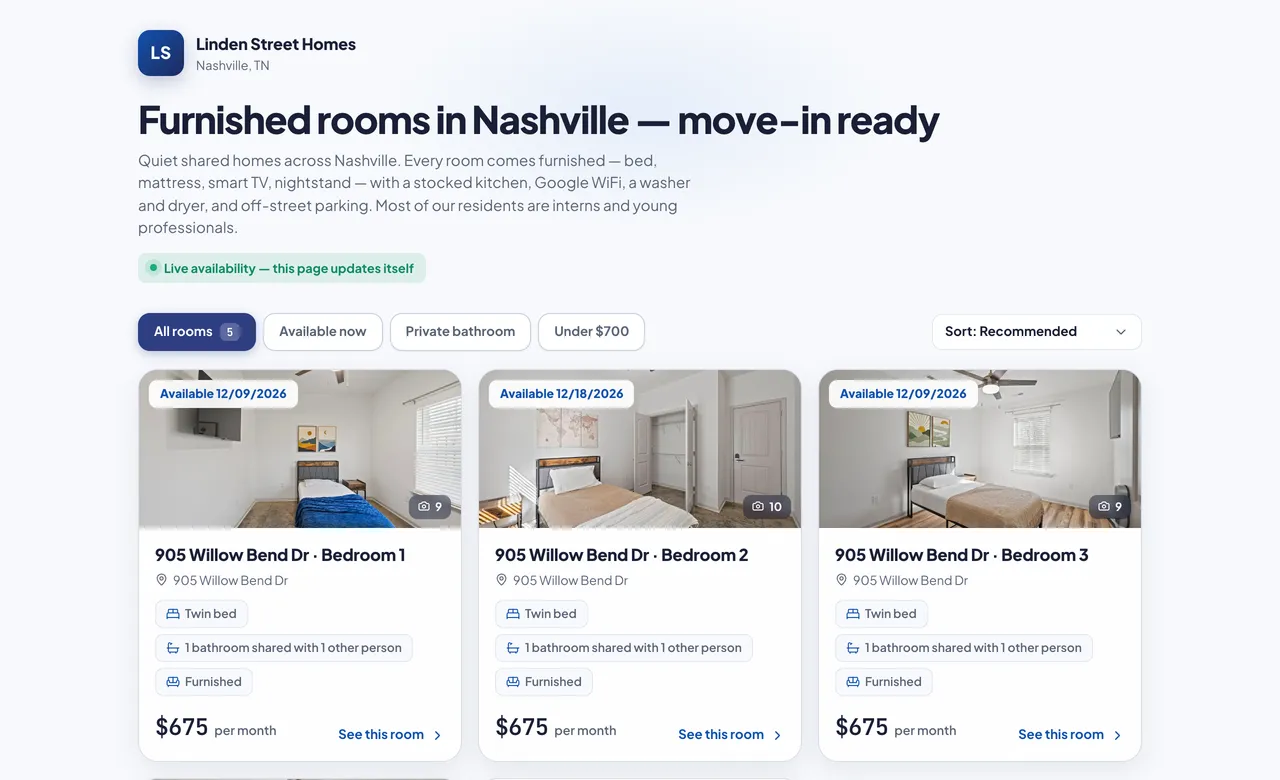
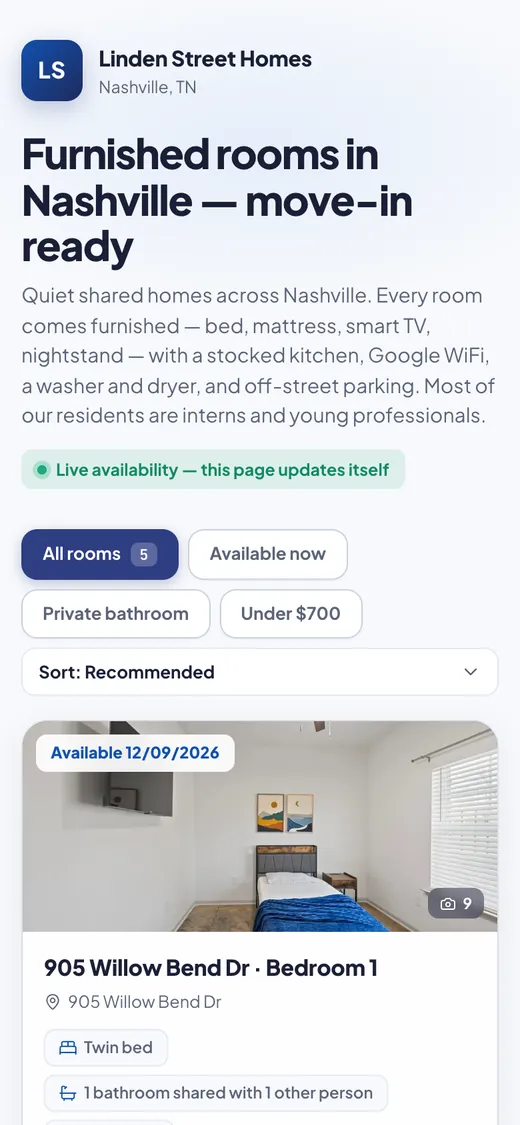
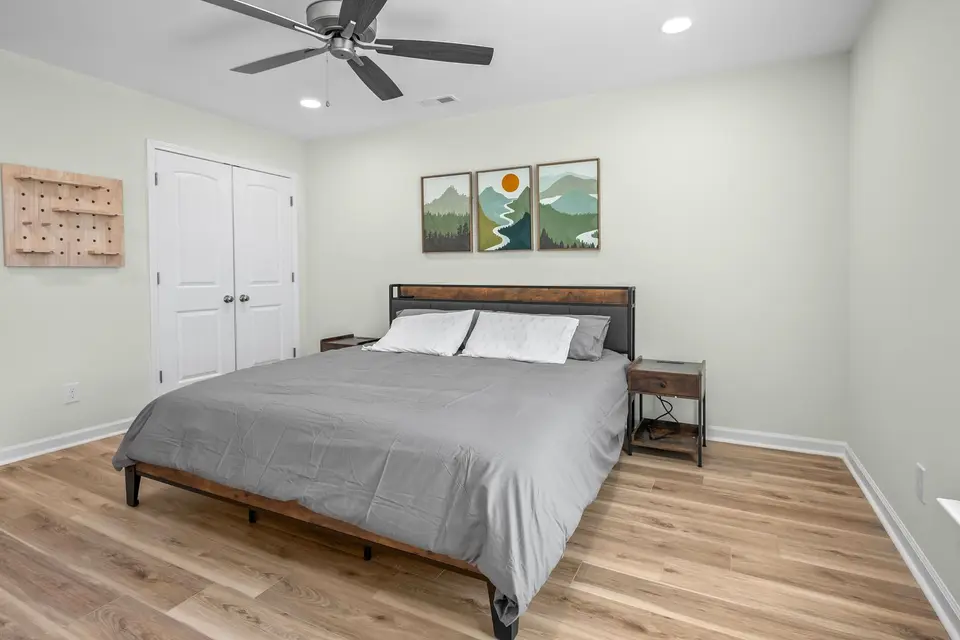
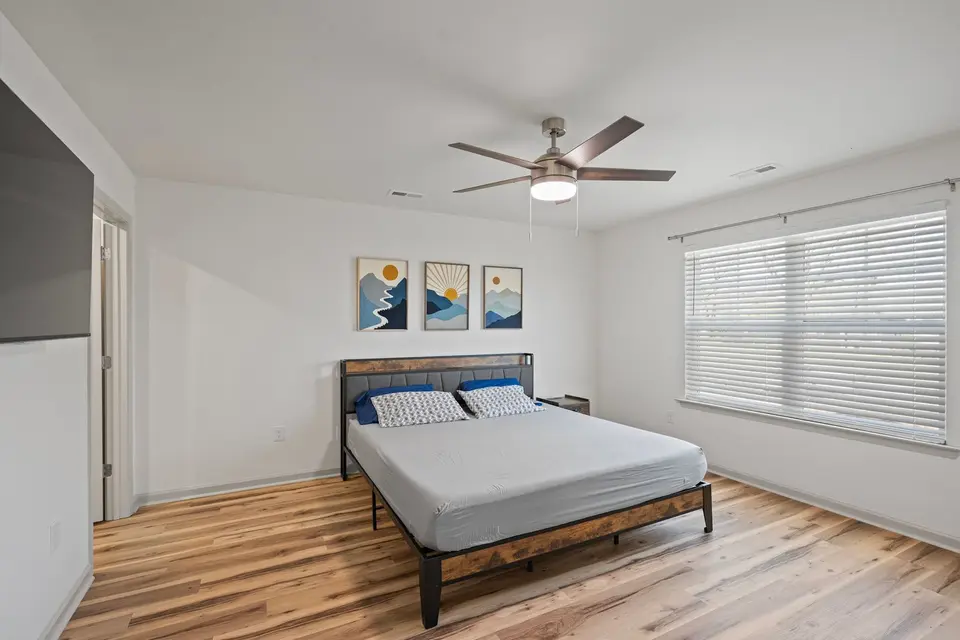
Every open bedroom with its photos, its rent and the day it opens. A full room says when, instead of vanishing.
Your listing page - Step 2Runs on its ownSaturday, 09/12/2026, 4:31 PM
Emily applies from her phone.
ID and pay stubs in one go. Your phone buzzes the second she taps Submit.
Your listing pageEmailYour phone - Step 3Runs on its ownSame second
References go out before you have read her name.
Reminded at 24 hours if unopened, again 72 hours after opening. Answers land on her application.
Email - Step 4Your tapMonday, 09/14/2026
You tap Approve. That is your whole job.
The lease builds itself from her application and goes out as “Your lease is ready — please review and sign”.
The signed leaseEmail - Step 5Runs on its ownThat evening, 7:48 PM
Signed on her phone in one press.
“Sign and date everything”. The sealed PDF carries its own certificate of completion.
The signed leaseResident portal - Step 6Runs on its ownStraight after signing
Paid before she closes the tab.
Deposit and first rent by bank or card, into your own Stripe account. Your phone reads “Emily C. paid you!”
Stripe card or bankResident portalYour phone - Step 7Runs on its ownThe moment the deposit arrives
Room secured. Everyone else told.
The first deposit in full holds the room. The other applicants' signing and payment links stop working the same moment.
Your listing pageEmail - Step 8Runs on its ownSame moment · 7:52 PM
Her code is on the door before she is.
Written to the Sifely locks once the move-in money is in (by default). Works 12:00 AM 10/01/2026 to 11:59 PM 07/31/2027, her lease's own dates.
Sifely smart lockThe signed lease - Step 9Runs on its ownWhen she claims her portal, or a time you pick
The welcome email writes itself.
Her room, the WiFi, her parking space, and who she lives with, drawn from the live leases at send time.
EmailHome guide - Step 10Runs on its ownBefore move-in day
Her housemates hear who is coming.
Once each, with her name only if she chose to share it.
Email - Step 11Runs on its own12:00 AM, 10/01/2026
Move-in photos, on a 24-hour clock.
The window opens itself at midnight, reminds her 2 hours before it closes, and files the record either way.
Resident portalThe signed lease - Step 12Runs on its ownSaturday, 10:14 PM
She asks at 10 PM. You answer from one inbox.
From her portal, into your Messages. The bell rings; the buzz waits for your quiet hours. A house-wide notice lands in every resident's own thread, never a group text.
MessagesResident portalYour phone - Step 13Runs on its ownThe 1st of every month
Rent bills itself. Every month. Every bedroom.
Reminded 3 days before. The late fee her lease states posts the morning after the grace period, never before.
The signed leaseStripe card or bankYour phone - Step 14Your tap, then on its ownWhen the power bill lands · 10/17/2026
Forward the bill. It splits itself.
By the days each person lived there. You tap Confirm on the first few; a company you have confirmed before posts on its own.
Bill inboxResident portal - Step 15Runs on its own10 months later · she gives notice for 07/31/2027
She gives notice. Everything after that is automatic.
The inspection books itself for 08/01/2027, her code stops at 11:59 PM on 07/31/2027, and she photographs the room on her way out.
Sifely smart lockResident portal - Step 16Runs on its own08/01/2027
Move-out beside move-in, photo by photo.
Damage is priced from the fee schedule she signed, the deposit statement writes itself, and the return clock runs on your state's deadline.
The signed leaseYour phone - Step 17Runs on its ownAlways
She leaves with proof. Your next applicant brings theirs.
A Rental Passport built from rent actually paid on a lease actually kept, never self-reported.
Rental Passport
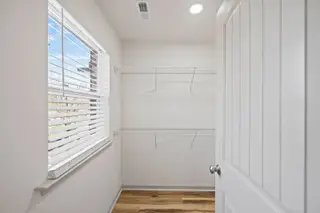
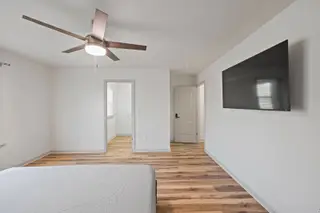
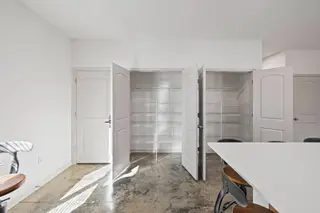
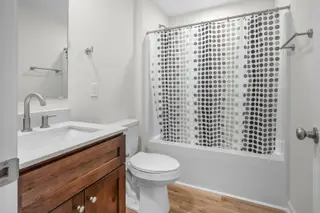
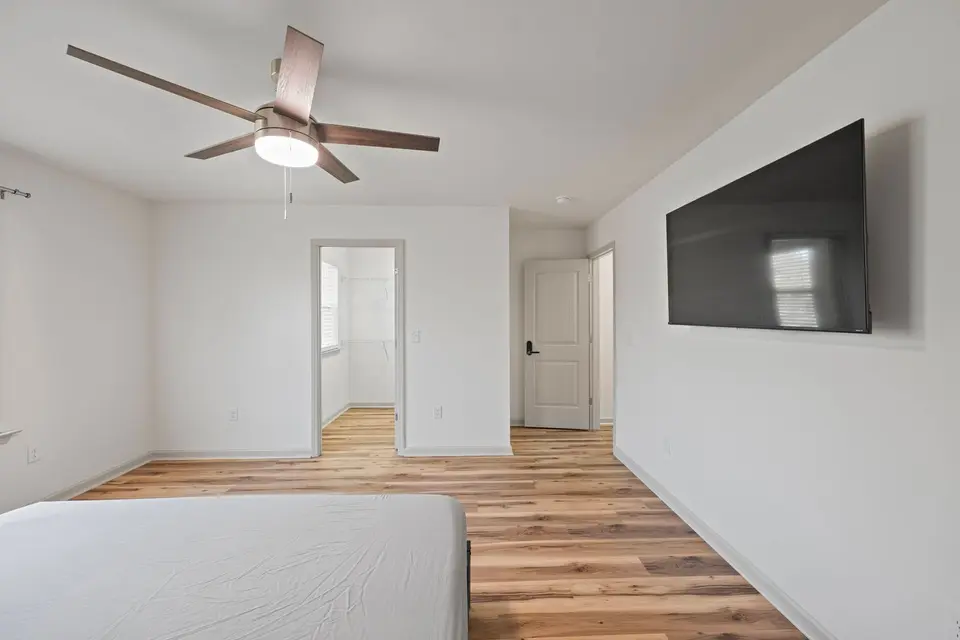
Assign the job. The door, the digest and the bill follow.
Book the clean. The code books itself.
Your cleaner gets tomorrow's jobs the evening before, a door code that works only for those 24 hours, and cannot finish without room photos.
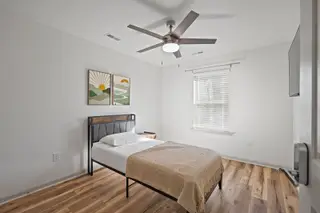
Send the contractor a link, not a phone call.
They say yes or no, do the work, and send their bill and photos from the same page. No login, no app.
Everyone sees exactly their job.
Managers, inspectors, cleaners and vendors each get their own role, and each door decides who it opens for.
- A lease ending inside 30 days warns you; an unanswered renewal offer is chased.
- Lock batteries are checked twice a day; a low one is flagged.
- The afternoon before a freeze, residents are told to cover the outside faucets.
- Monday morning, one email: the week's turnovers, inspections and what needs you.
Switches and timing live in Settings, in plain words, and every run is written down.
One 4-bedroom house means four of everything.
Four leases, four deposits, four move-out dates, under one roof. Software built for one lease per address makes you pretend.
RentCaddie treats the bedroom as the thing you rent. Everything else follows from that.
The jobs that ate your evenings, handled.
Rent bills itself, one bedroom at a time
Each resident is billed on their own lease and pays their own way. Reminders and late fees follow each lease.
- One balance per resident; nobody sees a housemate's rent
- Zelle, Venmo or Cash App: they report it, you confirm in one tap
Utility bills split to each resident automatically
Forward the bill. Each share, counted by the days each person lived there, lands on their own balance.
- Split by days lived there, equally, or included in rent
- The bill is saved to the house's expenses with its receipt
Turn over one bedroom while three people stay
One move-out changes one room. The inspection, the deposit clock and the relisting run on their own.
- Bedroom and shared areas photographed separately
- The room relists from the real last day plus your cleaning buffer
Door codes that start and stop with the lease
With a Sifely lock, each resident's code starts at midnight on their first day and stops on their last.
- Front door and their own bedroom, never somebody else's
- Made when your rule says it is earned: deposit, signature, or move-in money
House rules everyone actually signed
Quiet hours, guests, cleaning turns, parking, trash, smoking: signed on every bedroom's lease.
- A home guide for WiFi, trash night and parking, so nobody has to ask
- Residents message you one-to-one, not in a group text
List each bedroom and take applications for it
Each open bedroom with its own photos, rent, bathroom and move-in date. Applicants apply for that exact room.
- A full room says when it opens instead of disappearing
- Documents and references arrive with the application
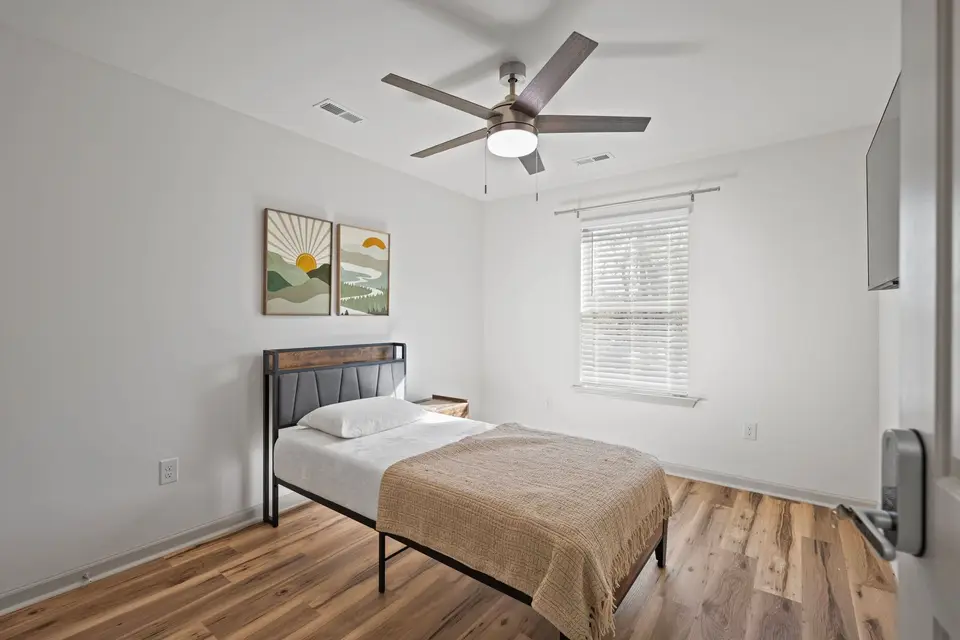
Good residents choose houses that give them this.
Every resident who pays through RentCaddie builds the verified rent history you just looked at, and takes it with them.
- Built from rent actually paid, never self-reported
- Shared as a private, read-only link with the next landlord
- Included for your residents in their portal
Their room. Their balance. Their phone.
Their rent, their share of the bills, their lease and their door code, on their own page.
- Pay by card or bank through your own Stripe account. Processing fees apply.
- Maintenance requests with photos and live status
- Their Rental Passport, growing with every month paid on time
The questions you are already asking.
Straight answers.
Switching is not starting over
Import from a spreadsheet or a TurboTenant export, with a preview before anything is saved.
Plans start at $27 a month
Pay for the year and get two months free, or pay monthly and cancel any time.
A four-bedroom house counts as four
Plans count active leases, and each bedroom is its own lease. Said here, not on your first bill.
Your data is yours
Download everything from Settings whenever you like: residents, leases, money, documents.
No long contract
Cancel from your own dashboard. You are never locked in.
The trial is the real thing
14 days, Pro features, up to 3 active leases, no credit card. Set up one house and watch it run.
The house can run itself. Go have your evening.
Set up one house in the time it takes to split one power bill by hand.