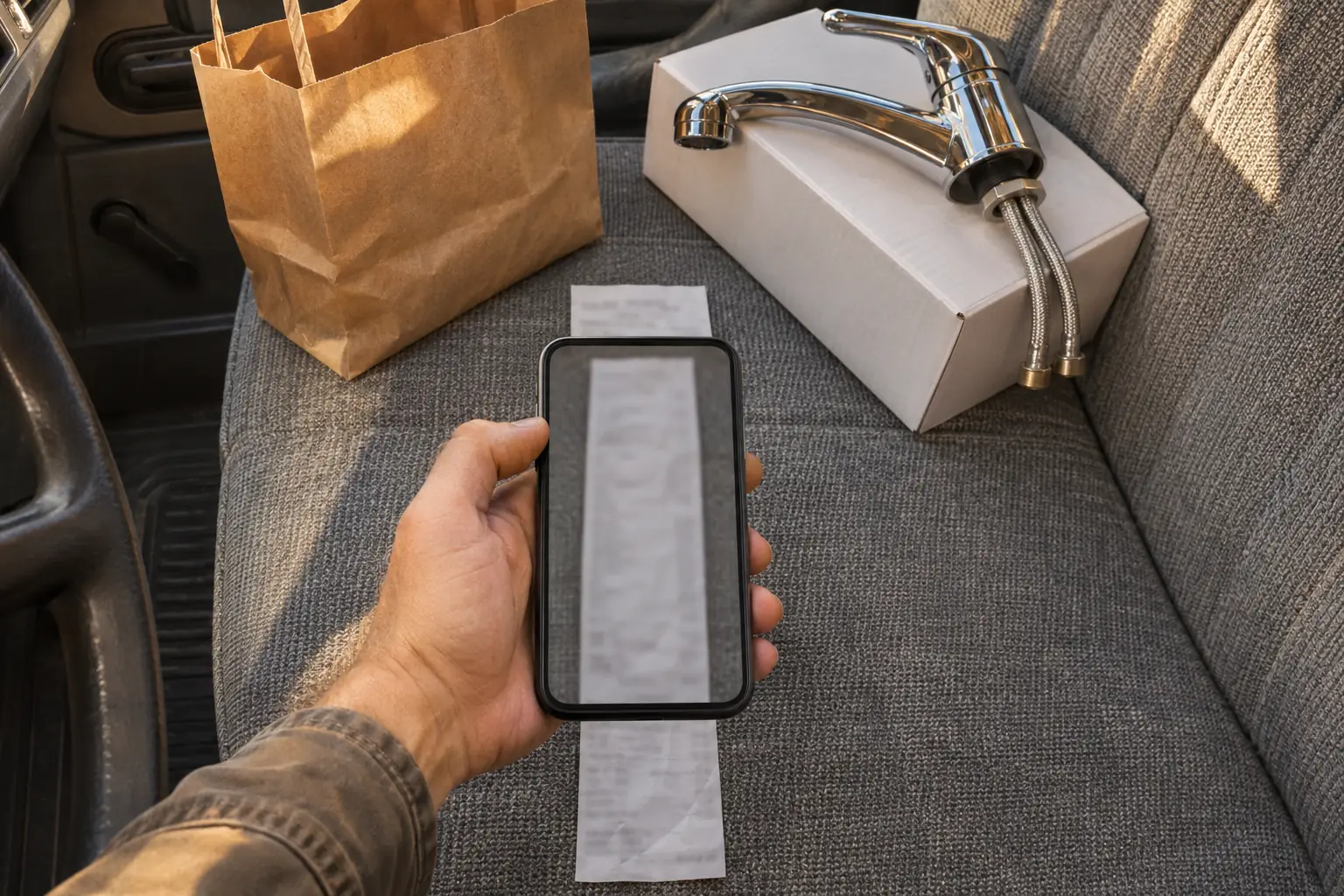
Snap a receipt. It becomes an expense.
Nothing is on your books until you tap Record it.
One window. The receipt beside every detail.
Store, Date, Amount, Property and Category, read off the photo. Change any of them with Edit before you record it.
Tap to see it and approve or cancel. Nothing changes until you approve it.
- Store
- Riverbend Hardware
- Date
- 11/26/2026
- Amount
- $126.40
- Property
- 41 Linden St
- Category
- Repairs
Nothing is on your books until you record it.
You choose what records on its own.
Adding expenses starts switched off. Turn it on and keep Ask me first, or let small ones through.
Likely duplicates are pointed out
Same amount, date and store as one already on your books: it always waits for you.
Over $500.00 always waits
Whatever you choose, a bigger expense waits for your tap.
Let ChatGPT add expenses?
Nothing changes until you tap Turn on.
Recorded? Edit it or undo it.
After Record it, the same window lets you change it or take it off your books. The receipt photo is kept.
- Store
- Riverbend Hardware
- Date
- 11/26/2026
- Amount
- $126.40
- Property
- 41 Linden St
- Category
- Repairs
It is on your books.
Every assistant, one RentCaddie.
Connect more than one from Settings, AI assistants. Each gets its own link.
Add RentCaddie once on chatgpt.com. Then ask from any chat, on the website or the phone app.
Needs a paid ChatGPT planSee how it worksClaudeAdd RentCaddie as a connector on claude.ai. Answers come with a link to each record.
Works on Claude's free planSee how it worksGeminiAdd RentCaddie as a connected app on gemini.google.com.
Needs a personal Google accountConnect itAsk GableBuilt into RentCaddie. Tap + on any screen and ask.
Portfolio planSee the plans
Send us what you have. We set it up in 24 hours.
You pay nothing until your first rent lands. Then connect your assistant in Settings, AI assistants.